Crocoblock is one of those WordPress tools people either swear by or quietly give up on after a month. The difference is almost never the product. It’s whether the person buying it actually needed dynamic content, or just wanted a few nicer Elementor widgets.
This Crocoblock review is written to help you work out which group you’re in before you spend $199 or more. I went through every plan on the current 2026 pricing page, all 23 JetPlugins, the new CrocoBuilder and JetGEO tools, the official documentation and recurring themes in user reviews on Trustpilot and G2. You’ll get the real price math, what each plugin does, where Crocoblock is strong, where it hurts, and which plan (if any) makes sense for you.

Pros
- 23 JetPlugins in one subscription, led by JetEngine and JetSmartFilters, the strongest dynamic content and filter pair for Elementor
- Builds directories, listings, booking sites and membership portals without custom code
- All-Inclusive costs $199 a year, while buying the 20 paid plugins one by one would cost $1,060
- Works with Elementor, Gutenberg, Bricks and Divi, with a $999 lifetime option for agencies
Cons
- Steep learning curve, especially JetEngine relations, query builder and custom content types
- Heavy sites need good hosting: Crocoblock recommends PHP 8.1+ and a 512 MB WordPress memory limit
- Gutenberg, Bricks and Divi get fewer plugins than Elementor
- No free trial, only a 30-day money-back guarantee
Summary
Crocoblock is the best value toolkit for building dynamic WordPress sites with Elementor, thanks to JetEngine and JetSmartFilters. It rewards developers and agencies, but simple brochure sites don’t need it.
Price: USD 199 Per year, All-Inclusive for 1 site; unlimited sites $399/year; Lifetime $999 one time
Visit CrocoblockCrocoblock review: the quick verdict
Crocoblock is worth it if you build dynamic WordPress sites. Think directories, real estate listings, job boards, course catalogues, booking sites, member dashboards or WooCommerce stores with serious filtering. For that kind of work, JetEngine plus JetSmartFilters does what would otherwise take several plugins or custom code, and the All-Inclusive plan costs less than buying four or five of them separately.
It’s not worth it for a simple brochure or blog site. If you only want extra widgets, a mega menu or a pop-up, you’ll pay for 20 plugins you never open, and you’ll take on a learning curve you don’t need.
| Buy Crocoblock if you… | Skip it if you… |
|---|---|
| Build listing, directory, booking or membership sites | Run a simple blog or 5-page business site |
| Use Elementor and want dynamic content without code | Only need a page builder add-on pack |
| Build sites for clients and can use an unlimited licence | Want something you can learn in an afternoon |
| Need AJAX filters on WooCommerce or custom post types | Are on cheap shared hosting with low PHP memory |
What is Crocoblock?
Before the plans and the plugins, a quick grounding, because a good Crocoblock review should start with what you are actually paying for.
Crocoblock is a subscription bundle of WordPress plugins called JetPlugins, plus templates, a setup wizard and, since 2026, an AI-native page builder called CrocoBuilder. It’s made by Jetimpex Inc., the same group behind TemplateMonster and MotoCMS, and it started life as an add-on suite for Elementor before expanding to Gutenberg, Bricks and Divi.
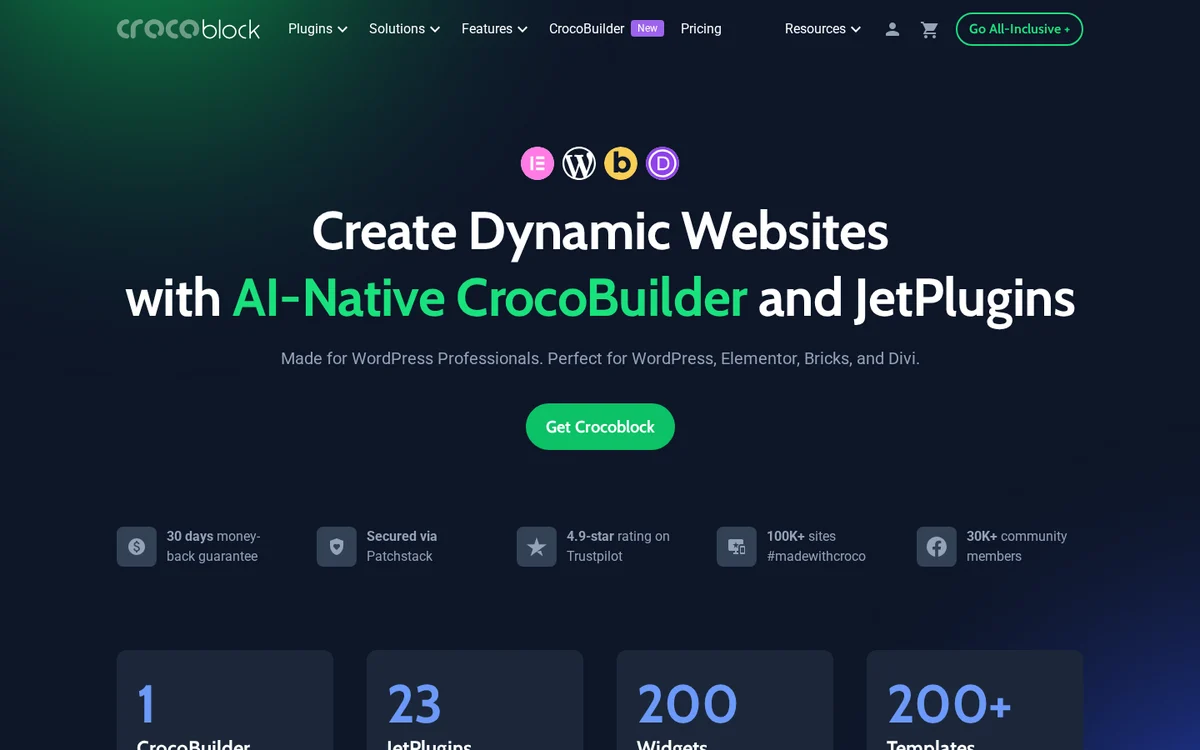
By Crocoblock’s own figures, the toolkit includes 23 JetPlugins, around 200 widgets and over 200 ready-made templates, and is used on more than 100,000 sites with a community of 30,000+ members. It shows a 4.9-star rating on Trustpilot from 1,000+ reviews. Those are vendor numbers, but the review themes below line up with them.
The important thing to understand is that Crocoblock is not one plugin. It’s a collection where two or three plugins do the heavy lifting and the rest fill gaps. Knowing which ones you’ll actually use is the key to deciding whether a bundle or a single plugin is the smarter buy.
What’s new in Crocoblock for 2026
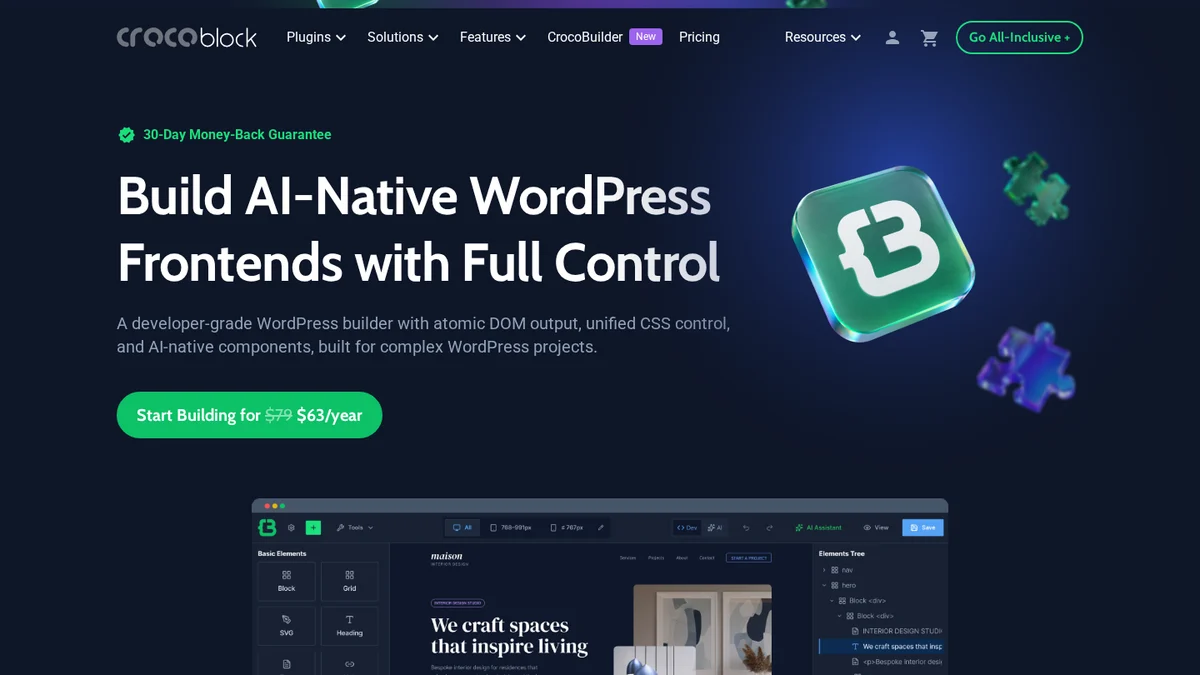
- CrocoBuilder. A new AI-native visual builder for WordPress, sold on its own for $79 a year or bundled in the All-Inclusive Plus plans. Crocoblock positions it as a builder with clean output and full code ownership rather than a closed system.
- JetGEO. A new plugin for AI search. It lets you set access rules for AI crawlers and adjust what content AI tools can see. If you’re thinking about how AI assistants read your site, my llms.txt adoption study shows how far most sites still have to go.
- AI features in JetEngine. An AI Website Structure Builder that drafts post types, fields and filters from a prompt, an AI Query Generator that writes SQL queries using the OpenAI API, and an MCP server for WordPress that lets AI tools create structures on your site. If MCP is new to you, the Rank Math MCP server guide explains the idea.
- Builder-specific plans. Separate subscriptions for Elementor, Gutenberg, Bricks and Divi, so you don’t pay for plugins your builder can’t use.
All 23 JetPlugins explained
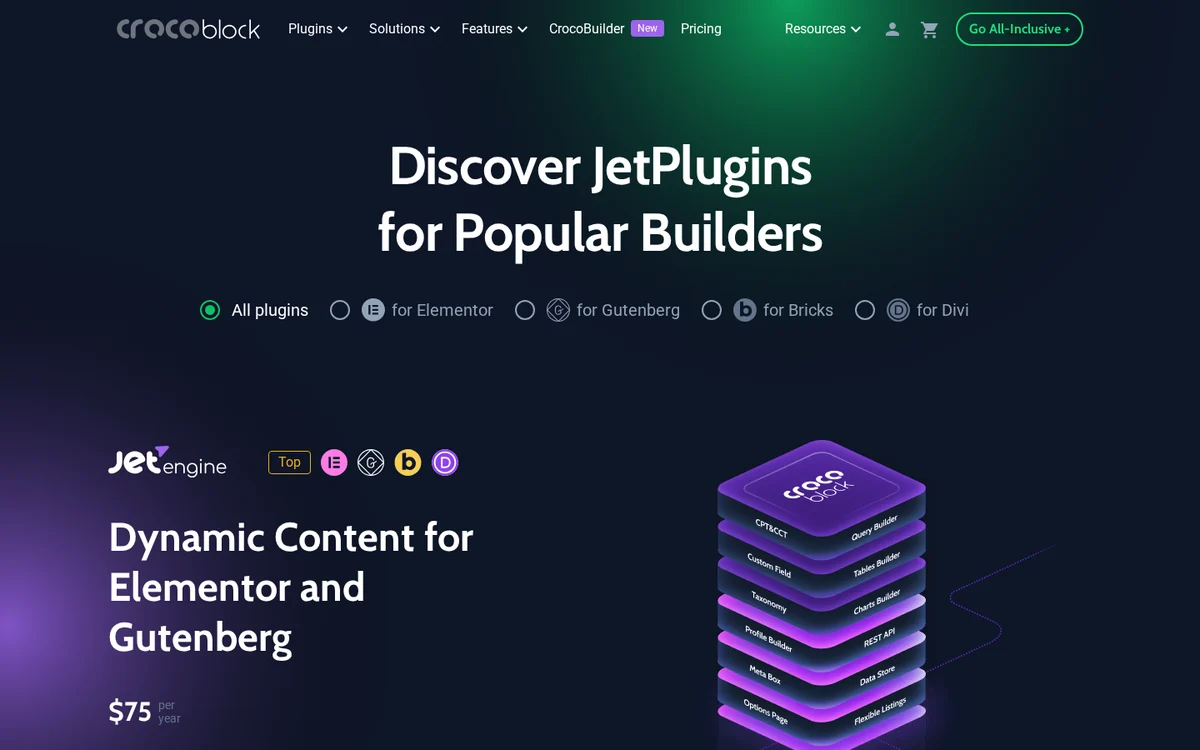
Most Crocoblock reviews skip this part. Here is every JetPlugin grouped by what it’s for, with the price if you bought it on its own. The list shows why the bundle math works out the way it does.
| Plugin | What it does | 1 site / year | Unlimited / year |
|---|---|---|---|
| Dynamic content | |||
| JetEngine | Custom post types, custom content types, meta fields, relations, listings, query builder, profiles, REST API | $75 | $169 |
| JetSmartFilters | AJAX filters, sorting, pagination, search and an indexer for counts | $75 | $169 |
| JetSearch | Live AJAX search across posts, products and custom post types | $43 | $88 |
| JetFormBuilder (Pro add-ons) | Forms, multi-step forms, front-end post submission, payments | Free core, Pro in bundle | Pro in bundle |
| JetGridBuilder | Masonry and grid layouts | Free | Free |
| Design and layout | |||
| JetElements | Multipurpose widgets: sliders, charts, timelines, pricing tables | $75 | $169 |
| JetThemeCore | Header, footer and template builder with display conditions | $55 | $129 |
| JetMenu | Mega menus, horizontal or vertical | $55 | $129 |
| JetBlocks | Header and footer elements: hamburger menu, breadcrumbs, search | $43 | $88 |
| JetPopup | Pop-up builder with triggers and conditions | $43 | $88 |
| JetTabs | Tabs, accordions and switchers | $43 | $88 |
| JetTricks | Visual effects, sticky columns, tooltips, unfold sections | $43 | $88 |
| JetBlog | Blog layouts, post sliders, smart post lists | $43 | $88 |
| JetStyleManager | Saves and reuses widget styles | Free | Free |
| WooCommerce | |||
| JetWooBuilder | Custom shop, product, cart, checkout and account templates | $55 | $129 |
| JetProductGallery | Product image and video galleries | $43 | $88 |
| JetCompareWishlist | Product compare and wishlist | $43 | $88 |
| JetProductTables | Product tables for wholesale and quick ordering | $55 | $129 |
| Booking, community and AI | |||
| JetBooking | Rental and booking with availability calendars | $75 | $169 |
| JetAppointment | Appointment scheduling with WooCommerce payments | $43 | $88 |
| JetReviews | Review layouts and user reviews | $43 | $88 |
| JetMessenger | Private messaging between users | $55 | $129 |
| JetGEO | AI crawler access rules and content visibility for AI tools | $55 | $129 |
JetFormBuilder’s core plugin is free on WordPress.org, and so are JetStyleManager, JetGridBuilder and the Kava theme. That’s a useful way to test Crocoblock’s style before you pay anything.
JetEngine: the reason most people buy Crocoblock
If this Crocoblock review had to come down to one plugin, it would be JetEngine. It turns WordPress into a lightweight database app builder, and it’s what separates Crocoblock from widget packs like Essential Addons or Premium Addons.
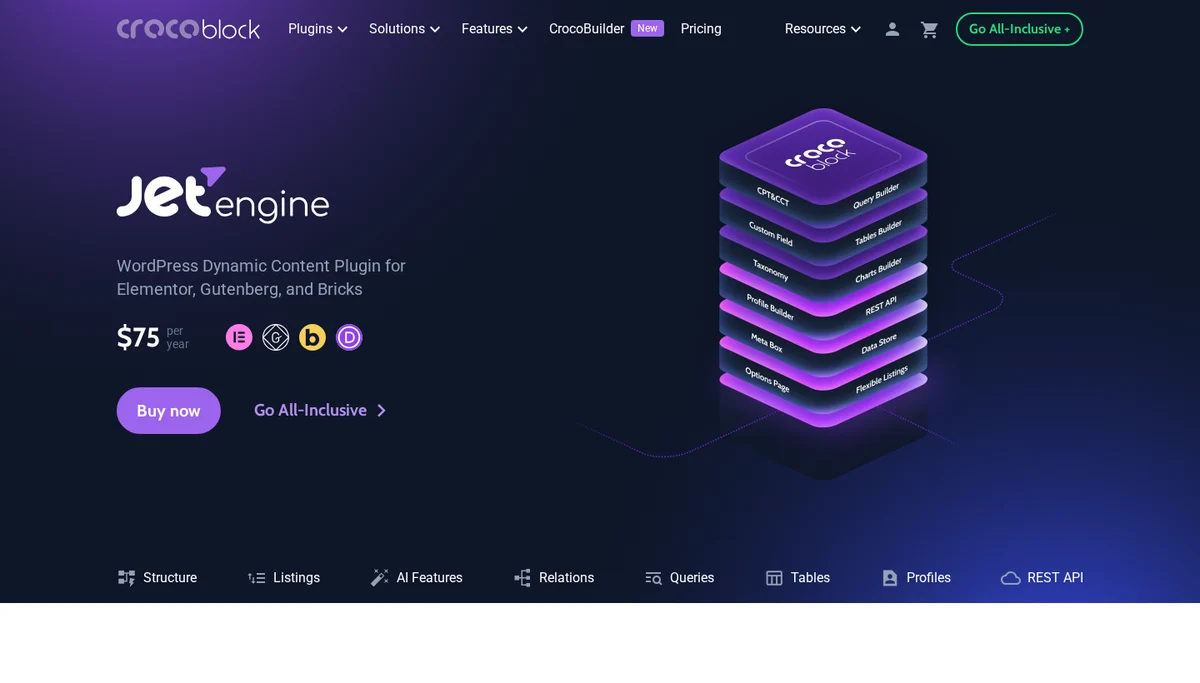
- Custom post types, taxonomies and meta fields without code, like ACF Pro and a CPT plugin rolled into one.
- Custom Content Types (CCT) store data in their own database table instead of the posts and postmeta tables. On a directory with tens of thousands of listings, that’s a big performance win.
- Relations connect posts, users and terms as one-to-one, one-to-many or many-to-many. For example, a doctor belongs to many clinics and a clinic has many doctors.
- Listings and Query Builder let you design one listing card and reuse it in grids, sliders, maps and calendars, fed by a saved query.
- Profile Builder creates front-end user dashboards, which is how people build membership and marketplace sites.
- Dynamic visibility, dynamic functions and a data store for things like wishlists, favourites and showing content based on user roles or field values.
- REST API endpoints for connecting to external apps or automation tools.
The catch is the learning curve. JetEngine has so many options that new users often build things the hard way. The most common complaint in user reviews isn’t bugs, it’s how long it takes to understand relations, queries and CCTs. Budget a few days with the documentation before a client project.
JetSmartFilters: AJAX filtering done right
JetSmartFilters is the other half of the pair. It adds AJAX filters to listings, archives and WooCommerce shops: checkboxes, ranges, ratings, date filters, search, sorting and pagination, all without a page reload.
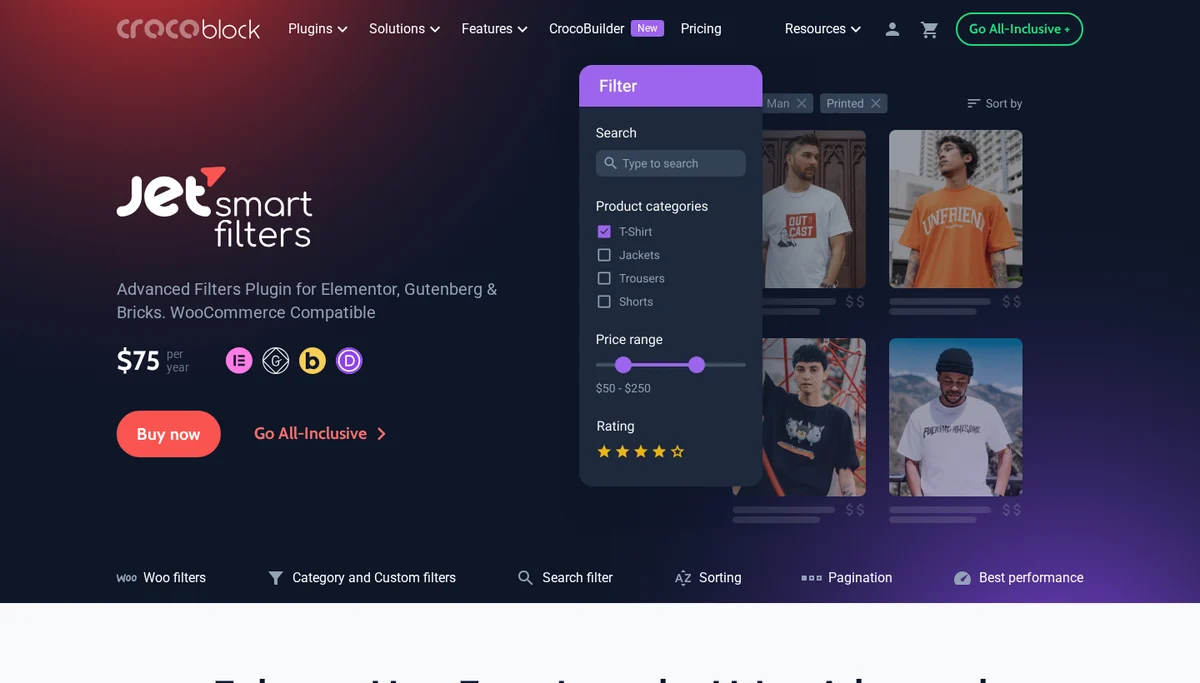
Two details matter more than the feature list. First, it works with data from JetEngine, ACF, Pods and Meta Box, so you aren’t locked into JetEngine. Second, it has an indexer for live result counts and SEO-friendly permalinks for filter URLs, which most cheaper filter plugins lack. If you run a large WooCommerce catalogue, test filter speed on staging with your real product count before going live.
Builder compatibility: Elementor, Gutenberg, Bricks and Divi
Crocoblock started on Elementor, and it still shows. Here is what each builder gets today.
| Page builder | JetPlugins supported | Builder plan price | Notes |
|---|---|---|---|
| Elementor | All JetPlugins | $199 / year (20 JetPlugins + JetFormBuilder Pro) | Does not need Elementor Pro. Best experience overall. |
| Gutenberg | 14 to 17, depending on the page | $199 / year (17 JetPlugins) | Growing fast, but some design plugins are Elementor-only. |
| Bricks | JetEngine, JetSmartFilters, JetSearch, JetFormBuilder, JetAppointment, JetBooking and more | $189 / year (8 JetPlugins) | Covers the dynamic content stack, not the design widgets. |
| Divi | Dynamic content, booking and filters | $119 / year | Newest integration. Check plugin support before buying. |
Crocoblock’s own pages don’t always agree on the exact Gutenberg count, which is a sign of how fast support is changing. If you’re not on Elementor, check the plugins you need on the Crocoblock plugins page filter for your builder before you subscribe.
Crocoblock pricing in 2026
Most Crocoblock reviews still quote old prices, like a $750 lifetime deal that no longer exists. Here are the current plans from the pricing page as of October 2026.

| Plan | 1 site | Unlimited sites | What you get |
|---|---|---|---|
| Custom | Pay per plugin | Pay per plugin | Only the JetPlugins you pick |
| All-Inclusive | $199 / year | $399 / year | All 23 JetPlugins, 200+ templates, JetFormBuilder Pro, 1 year updates and Zoom or chat support |
| All-Inclusive Plus | $249 / year | $499 / year | Everything in All-Inclusive plus CrocoBuilder |
| Lifetime | Not offered | $999 one time | All JetPlugins on unlimited sites, lifetime updates and support |
| CrocoBuilder only | $79 / year | Check site | The AI-native builder on its own |
| Elementor / Gutenberg / Bricks / Divi plans | $199 / $199 / $189 / $119 | Check site | Plugins limited to that builder |
Is the bundle actually cheaper? The math
Bought one by one, the 20 paid JetPlugins add up to $1,060 a year for one site or $2,330 a year for unlimited sites. All-Inclusive costs $199 or $399. So if you use more than three of the bigger plugins, the bundle wins easily.
But be honest about what you’ll use. A typical directory build needs only JetEngine and JetSmartFilters. That’s $150 a year for one site, or $338 for unlimited, against $199 or $399 for everything. If you’ll never touch the WooCommerce, booking or design plugins, the Custom plan is the cheaper route.
| Your situation | Best value plan | Cost |
|---|---|---|
| One dynamic site, only JetEngine + JetSmartFilters | Custom | $150 / year |
| One site using 4+ JetPlugins | All-Inclusive, 1 site | $199 / year |
| Freelancer building client sites | All-Inclusive, unlimited | $399 / year |
| Agency planning to use it for 3+ years | Lifetime | $999 once (pays for itself in year 3) |
| You want the new AI builder too | All-Inclusive Plus | $249 or $499 / year |
There’s no free trial, but every plan has a 30-day money-back guarantee. Crocoblock also lets you upgrade later and pay only the difference, so starting on a smaller plan doesn’t lock you in.
Templates, Kava theme and the setup wizard
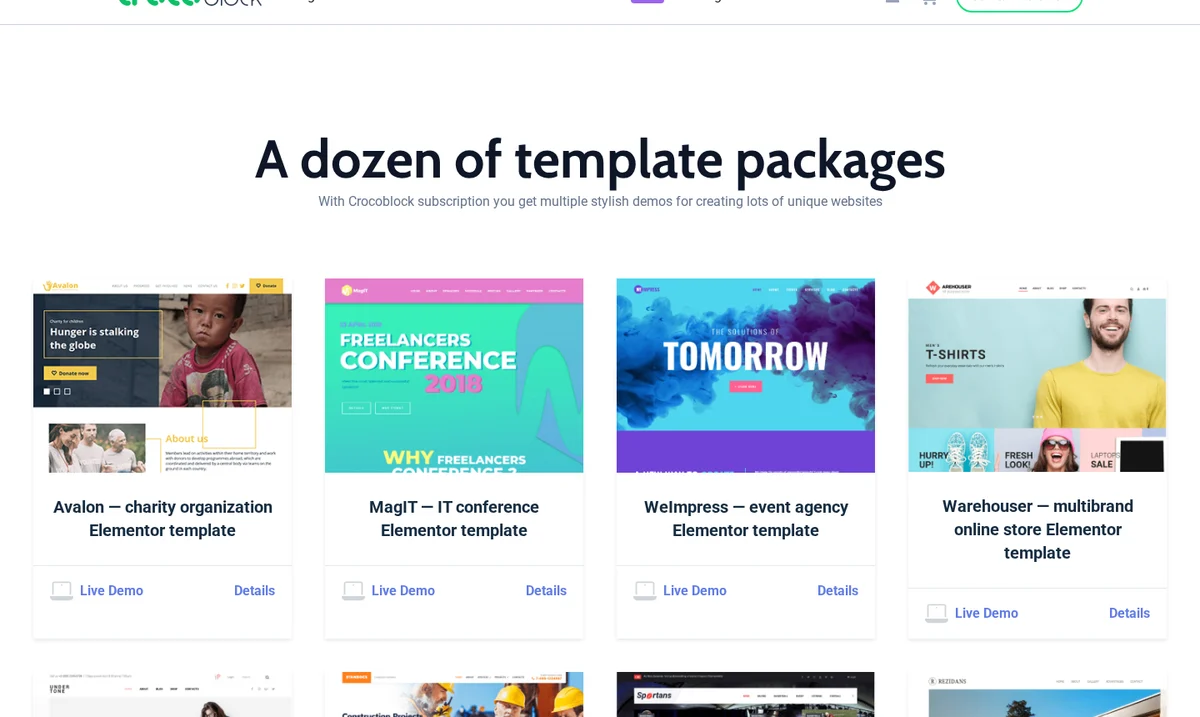
Subscriptions include 200+ ready-made templates, from full site packages like charity, conference and agency demos to single sections and pop-ups. They’re a decent shortcut, but treat them as starting points. Several user reviews mention that some templates need extra plugins to work fully, and importing a full demo onto a live site is never a good idea.
The Crocoblock Wizard installs your licence, the plugins you choose and a theme in a few clicks. Kava is Crocoblock’s own lightweight theme, but Hello Elementor, Astra, Blocksy, GeneratePress, Kadence, OceanWP and Twenty Twenty-Five are officially tested too, so you can keep your favourite.
Performance: is Crocoblock slow?
This is the most common worry in Crocoblock reviews, and the honest answer is that it depends on how you build. The plugins themselves are not unusually bloated, but dynamic sites do more work per page than static ones, and stacking many plugins on weak hosting will feel slow.
Crocoblock’s own requirements say a lot: PHP 8.1 or higher, MySQL 5.7 or higher, a 512 MB WordPress memory limit (768 MB recommended) and SSL. Many budget shared hosting plans cap memory well below that. To keep a Crocoblock site fast:
- Activate only the JetPlugins you use, and switch off unused widgets and JetEngine modules in their settings.
- Use Custom Content Types for large data sets instead of thousands of posts with dozens of meta fields.
- Paginate listings and filters instead of loading hundreds of items at once.
- Use a full-page cache for anonymous visitors and object caching such as Redis for dynamic queries.
- Host on a plan with enough PHP memory and workers. For stores, a host from the best managed WooCommerce hosting list is a safer starting point than cheap shared hosting.
If pages still feel slow after that, check whether your cache is actually working before blaming the plugins. My guide on how to debug CDN caching issues walks through the headers to check.
Support, documentation and community
Support is the most consistently praised part of Crocoblock in user reviews. Across Trustpilot and G2, Crocoblock reviews mention it more than any other strength. Paid plans include ticket, chat and Zoom support for the subscription term, and lifetime buyers get it for life. Reviewers often mention support staff who stay on until the problem is fixed, and one G2 user mentions replies usually arriving within 24 hours.
The knowledge base is large, with written guides and video tutorials for most features, plus a Facebook group and Discord community with tens of thousands of members. The downside is that the sheer amount of documentation can be overwhelming, which feeds into the learning curve complaint.
Licensing rules agencies should know
- Subkeys for client sites. On unlimited plans you can generate a subkey tied to one domain, so you never share your main licence key with a client.
- GPL code, but the licence isn’t resellable. You can modify the plugin code, but you can’t resell your subscription, bundle it into commercial products or share account details publicly.
- Sites keep working after expiry. If a yearly plan lapses, plugins keep running, but you lose updates and support. Plan for renewals on client sites.
Crocoblock pros and cons
Pros
- JetEngine is the most complete dynamic content toolkit available for Elementor.
- Builds directories, listings, booking and membership sites with no custom code.
- The All-Inclusive bundle is far cheaper than buying plugins individually.
- Unlimited and lifetime licences make it very cost-effective for agencies.
- Responsive, patient support and a big community.
- Fast-moving roadmap, including AI tools, CrocoBuilder and JetGEO.
Cons
- Steep learning curve for JetEngine’s advanced features.
- Needs decent hosting, with a recommended 512 MB to 768 MB of PHP memory.
- Gutenberg, Bricks and Divi support is narrower than Elementor’s.
- No free trial, and the free versions only cover a few plugins.
- Overkill for simple sites, where most of the bundle goes unused.
Crocoblock alternatives
Crocoblock isn’t the only way to build dynamic WordPress sites. No Crocoblock review is complete without the alternatives. Here is how it compares with the tools people most often weigh it against.
| Alternative | Best for | How it compares with Crocoblock |
|---|---|---|
| Elementor Pro | Theme building and basic dynamic tags | Good for templates and forms, but no custom content types, relations or advanced filters. Many people use both together. |
| ACF Pro + FacetWP | Developers comfortable with code | Powerful and lean, but you write more PHP and buy two products. Crocoblock is more visual. |
| Meta Box AIO | Developers who want performance | Strong custom fields and custom tables, builder-agnostic. Less visual listing and filter tooling. |
| Toolset | Long-time Toolset users | Similar idea, but development has slowed and most new projects choose JetEngine or ACF. |
| Bricks (native query loops) | Bricks users who want fewer plugins | Bricks handles many dynamic layouts on its own. Add JetEngine or JetSmartFilters only if you need relations or AJAX filters. |
| Essential Addons, Premium Addons | Extra Elementor widgets | Cheaper widget packs. They compete with JetElements, not with JetEngine. |
My rule of thumb: if you are visual-first and on Elementor, Crocoblock is usually the best fit. If you are code-first, ACF Pro or Meta Box with a filter plugin gives you a leaner stack.
How to get started with Crocoblock
- Try the free plugins first. Install JetFormBuilder and JetStyleManager from WordPress.org to get a feel for the interface.
- Pick the smallest plan that fits. Use the table above. You can upgrade later and pay only the difference.
- Run the Crocoblock Wizard on a staging site, and activate only the plugins your project needs.
- Build the data model first. Create your post types, fields, relations and queries in JetEngine before you design any pages.
- Design one listing item, then add filters with JetSmartFilters and test speed with real data.
- Check SEO before launch. Filter URLs, thin archive pages and duplicate listings can create crawl and indexing problems on dynamic sites. A technical SEO review catches these early.
Final verdict: is Crocoblock worth it in 2026?
Yes, for the right person, and that is the honest bottom line of this Crocoblock review. If you build dynamic sites on Elementor, Crocoblock is still the best value toolkit you can buy in 2026. JetEngine and JetSmartFilters alone justify the price, the All-Inclusive plan costs a fraction of the individual plugins, and the unlimited and lifetime licences make it a strong agency tool.
If you build simple sites, skip it, or buy only the one plugin you need. And whichever plan you choose, give yourself time to learn JetEngine properly and put the site on hosting that can handle it. That’s the difference between the people who love Crocoblock and the ones who give up on it.
Frequently asked questions
Is Crocoblock worth it?
Crocoblock is worth it if you build dynamic WordPress sites such as directories, listings, booking or membership sites, mainly because of JetEngine and JetSmartFilters. For simple brochure sites or blogs, it’s usually more than you need.
How much does Crocoblock cost in 2026?
All-Inclusive costs $199 a year for one site or $399 a year for unlimited sites. All-Inclusive Plus, which adds CrocoBuilder, costs $249 or $499 a year. Lifetime costs $999 once for unlimited sites. Individual plugins start at $43 a year.
Does Crocoblock have a free version or free trial?
There is no free trial, but every plan has a 30-day money-back guarantee. JetFormBuilder, JetStyleManager, JetGridBuilder and the Kava theme are free to download.
Does Crocoblock need Elementor Pro?
No. JetPlugins work with the free version of Elementor. Crocoblock also supports Gutenberg, Bricks and Divi, though with fewer plugins than Elementor.
Does Crocoblock slow down WordPress?
It can on weak hosting or when many plugins are active. Crocoblock recommends PHP 8.1 or higher and a 512 MB to 768 MB memory limit. Activating only the plugins you need, using custom content types and caching keeps sites fast.
What happens when my Crocoblock subscription expires?
Your plugins keep working on existing sites, but you stop receiving updates and support until you renew.
What is the difference between All-Inclusive and All-Inclusive Plus?
Both include all 23 JetPlugins, templates, updates and support. All-Inclusive Plus also includes CrocoBuilder, Crocoblock’s AI-native WordPress builder.
What are the best Crocoblock alternatives?
The main alternatives are Elementor Pro for basic dynamic tags, ACF Pro with FacetWP or Meta Box for code-first developers, and Bricks native query loops for Bricks users.
Tell Google you want more of this.
Add DigitalPrahlad as a preferred sourceOne tap, and this site shows up more often in your own Google Top Stories, AI Overviews, and AI Mode results. You can remove this preference anytime you'd like.
Affiliate Disclaimer: This website is reader-supported. Some links are affiliate links, meaning I may earn a small commission at no extra cost to you. I only recommend products and tools I genuinely trust and use myself. Your support keeps DigitalPrahlad free and practical.